New Working Timer Web App
Introducing the New Working Timer Web App Experience
We're excited to announce a completely redesigned version of the Working Timer web application.
Over the past months, we've been working on a major upgrade to deliver a faster, cleaner and more powerful experience for everyone who prefers tracking time from a desktop or laptop.
You can try the new version today at:
Built from the Ground Up
This isn't just another update.
The new web application has been redesigned with a modern architecture and an improved user interface to make everyday time tracking smoother and more efficient.
Whether you use Working Timer occasionally or every day, you'll notice a more responsive and intuitive experience.
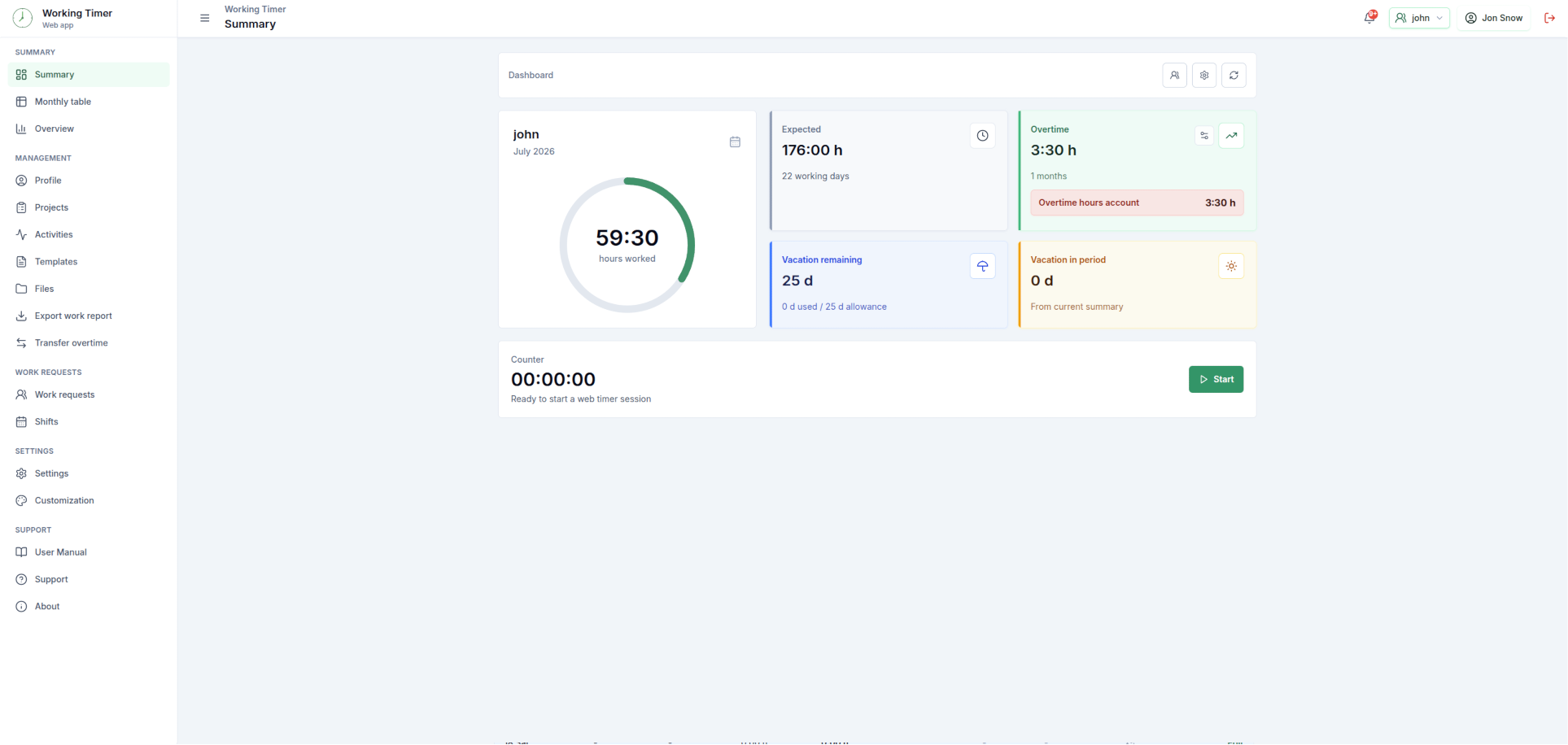
Everything Stays in Sync
Simply sign in with your existing Working Timer account.
Your records, projects, activities and settings continue to synchronize seamlessly across Android, iOS and the web, allowing you to switch between devices whenever it suits your workflow.
Why Upgrade?
The new version focuses on what matters most:
Faster performance
Modern and intuitive user interface
Improved navigation
Better desktop experience
Reliable synchronization across all devices
A solid foundation for future features
This upgrade also gives us a much stronger platform for delivering new functionality much faster in the future.
Mobile and Web Working Together
Working Timer continues to offer the flexibility of tracking your work wherever you are.
Use the mobile app while you're on the move, then continue reviewing or editing your records from your desktop—all with the same account and the same synchronized data.
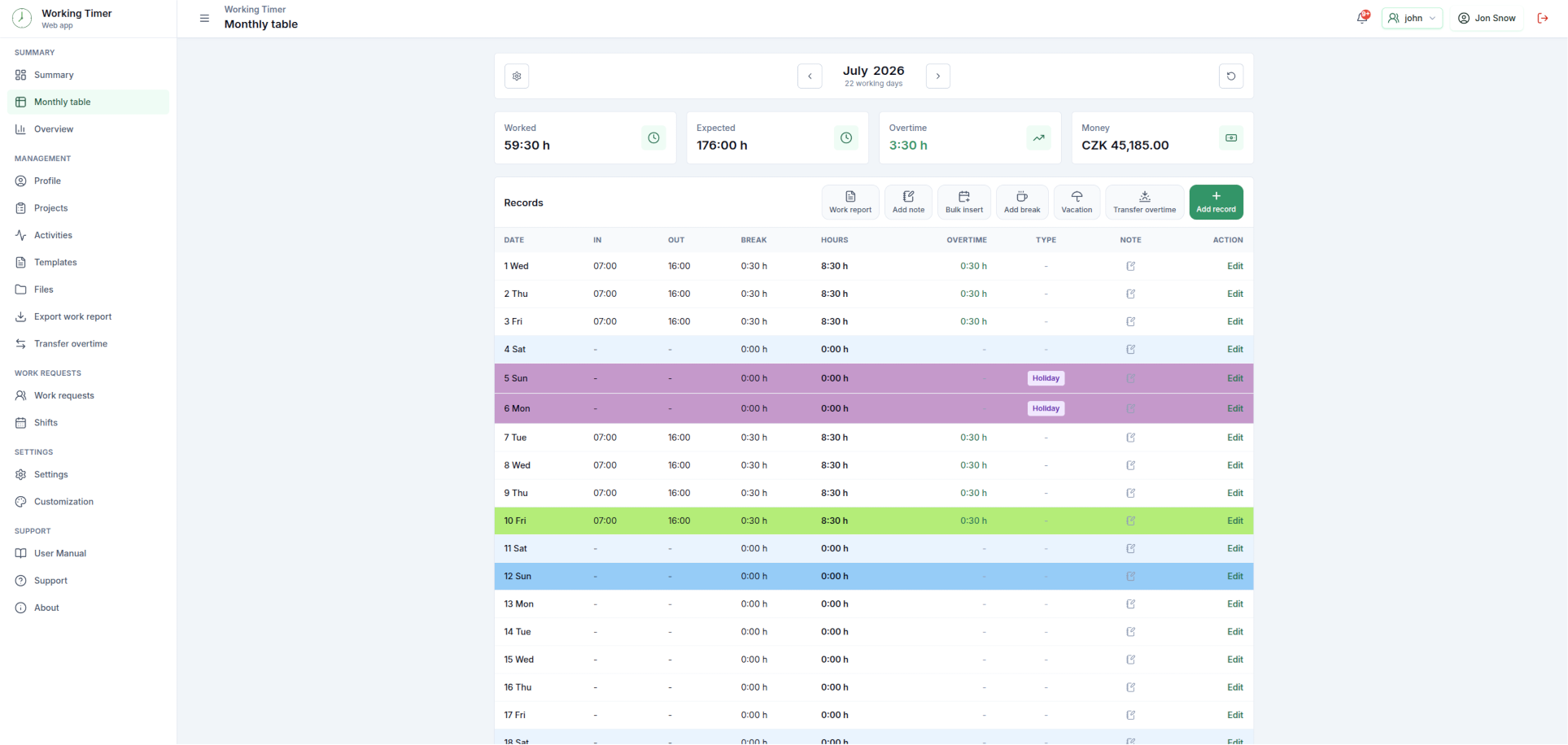
Try the New Version
Visit https://app.workingtimer.com and experience the new Working Timer Web today.
We look forward to hearing what you think!